Conditional subassemblies
Last updated: 2026-01-06
Total video time: 06:11
 Conditional subassemblies Cut/fill targets
sa-sub-cndtnl-01.mp4 03:25
To access default conditional subassemblies
-
Ribbon > WisDOT Design tab > Palettes ON/OFF
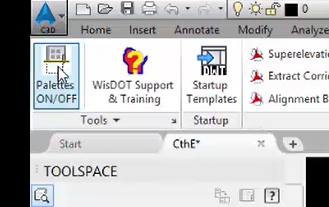
-
Ribbon > WisDOT Design tab > WisDOT & Civil Imperal
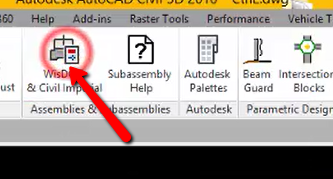
-
Left Click on bottom of tabs in Tool Palette
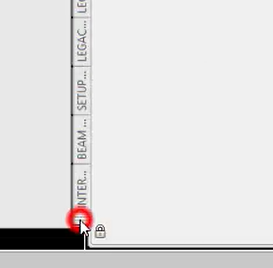
-
select Conditional
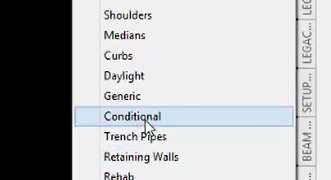
-
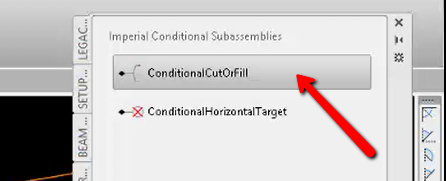
Left Click on ConditionalCutFill to access options for the subassembly
Info: The width and slope settings in the parameters of conditional subassemblies has no effect on the design. It is purely a visual reference.
Conditional subassemblies Horizontal targets
sa-sub-cndtnl-02.mp4 02:46
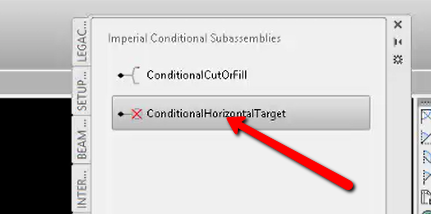
Left Click on ConditionalHorizontalTarget to access options for the assembly.
Info: The width and slope settings in the parameters of conditional subassemblies has no effect on the design. It is purely a visual reference.