Rural intersection: create preliminary plans
Total video time: 7:12
Last updated: 2026-01-06
 Preliminary plans 1
Exercise files: rurl-int-creat-pavt-fil-end-data-c3d16.zip
Start with: 12345678\Design\edgelines\pavt.dwg
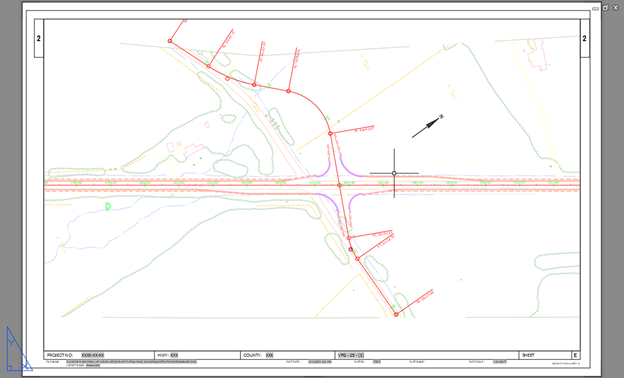
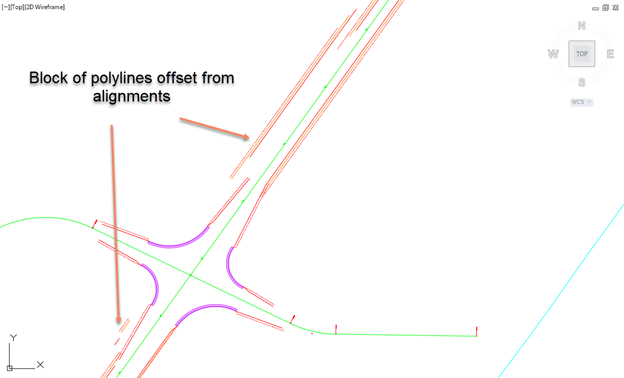
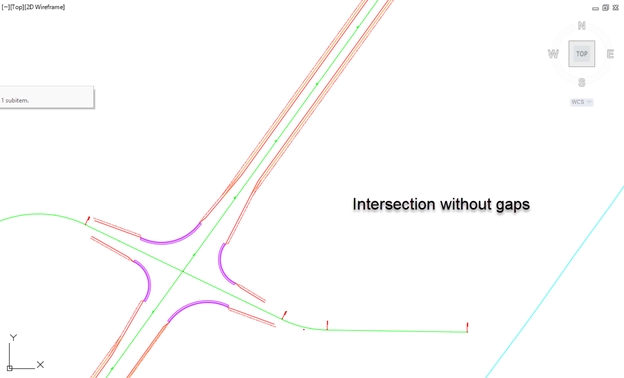
To print some preliminary sheets without having the corridor complete we can Xref AliProf.dwg. Because we masked the alignments to the larger of the blocks there will be some gaps when only Alt1 is showing. We will create some linework to fill that in.
- In the AliProf.dwg set current layer to P_RDWY_PavtEdge
- Draw a polyline to from the edge of the block across the intersection to the other edge of block
- Trim the line to the edges of the other Alt block
- Repeat with the EPS and EGS
- Select all the new polylines and create a block
-
Set the block layer to Alt2
-
Set the block layer to Alt2
Preliminary plans 2
- Open Preliminary.dwg in the SheetsOther folder
- Xref pvmt.dwg
-
Xref AliProf.dwg- this will give us the intersection lines
Info: The AliProf file contains a lot of information that is not necessary here.
-
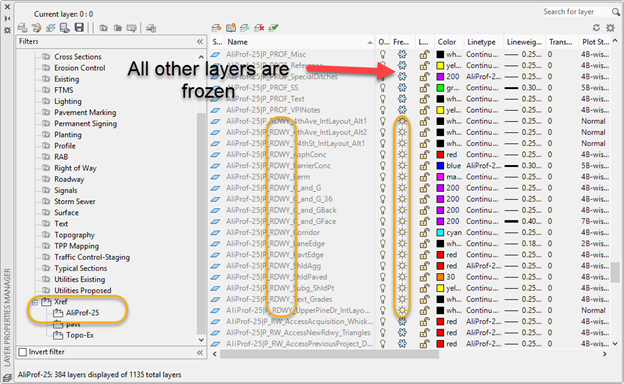
In Layer Properties in the AliProf Xref freeze all the layers except the ones starting with P_RDWY
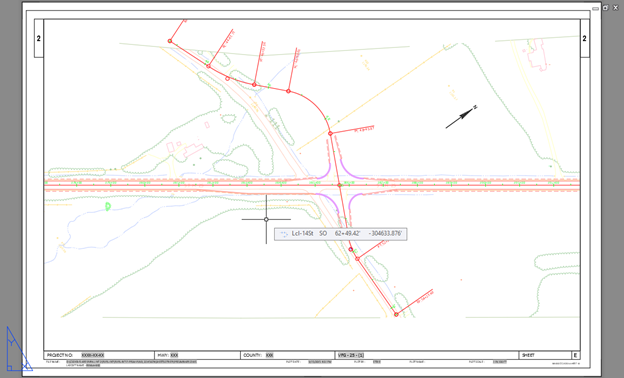
- In 4thAve Alt1 viewport double click in the view frame to activate it
-
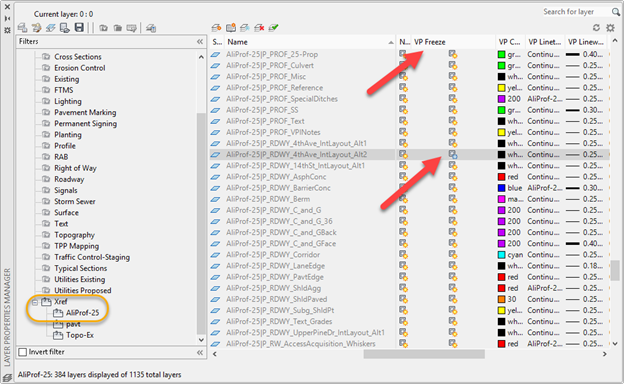
Freeze the Alt2 layer in this view only
-
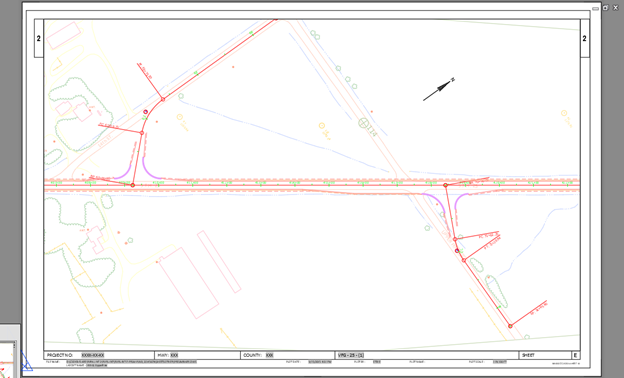
In Alt 2 view Freeze Alt1 layer
This gives you a preliminary plan set without creating the corridors