Intersection object basics
Last updated: 2026-01-06
Total video time: 04:45
 Intersection object basics
To create an intersection you need to have 2 alignments that cross. These alignments will also need design profiles that accompany them.
To create an intersection object
-
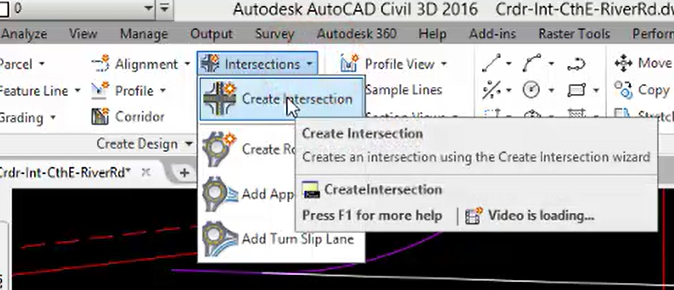
Home tab of the ribbon > Create Design panel > Intersections drop down > Create Intersection
- Select the intersection point
-
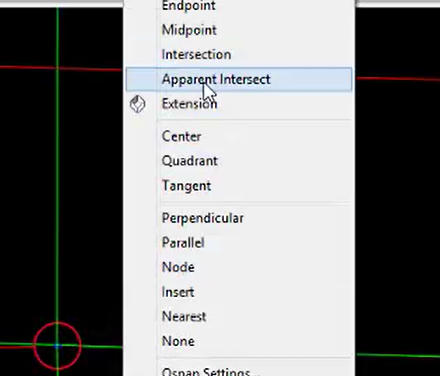
Shift+Right click to use apparent intersection snap
- Select the primary road alignment CthE
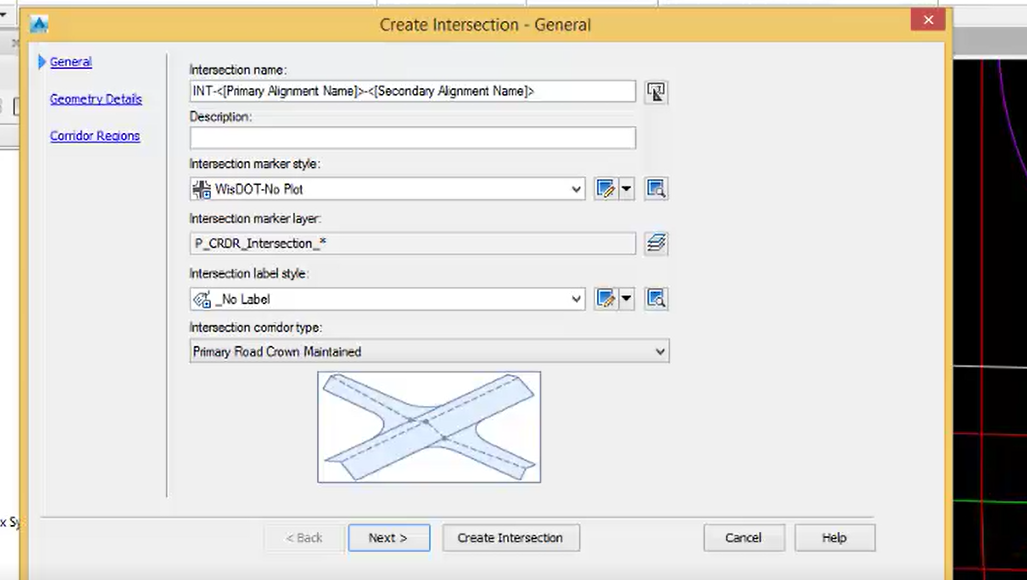
In the first page of the Create Intersection dialog, accept defaults and click Next >
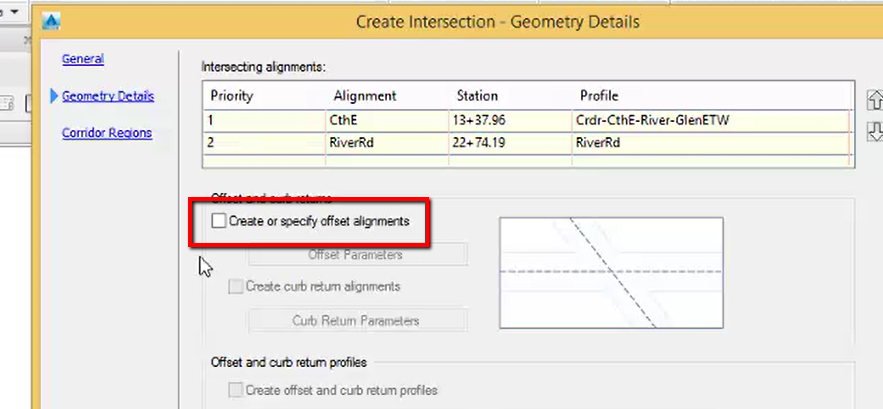
Geometry Details
Create or specify offset alignments: unchecked
- Create Intersection