Create corridor regions
Last updated: 2026-01-06
Total video time: 04:24
 Split regions
Split Region
- Left click on corridor
-
Contextual Ribbon>Modify Region>Split Region
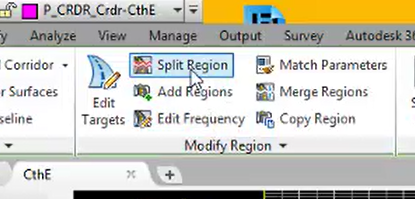
- Left click inside corridor
- Left click the area to split region
- Left click to the right of the region break
-
Left click a second region break
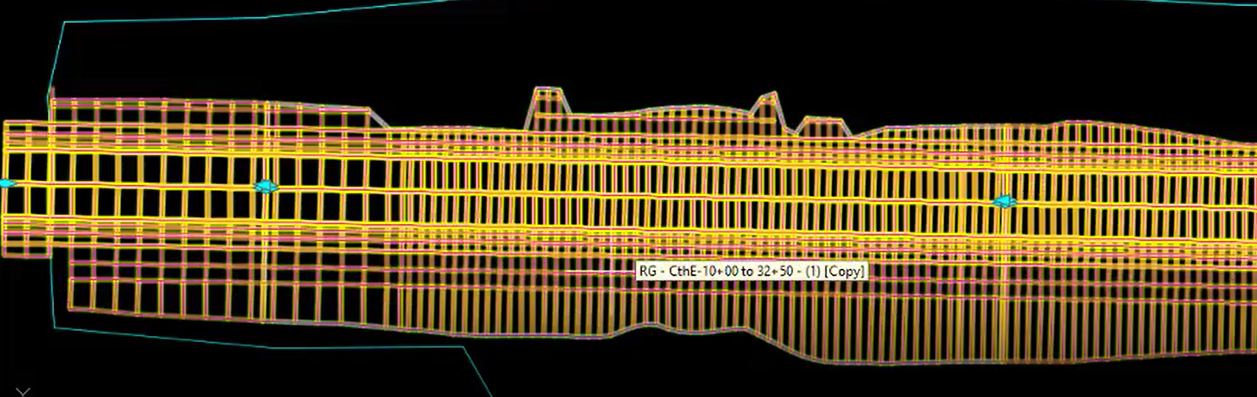
- Esc
Region Properties
- Left click on corridor
-
Contextual ribbon>Modify Region dropdown>Region Propeties
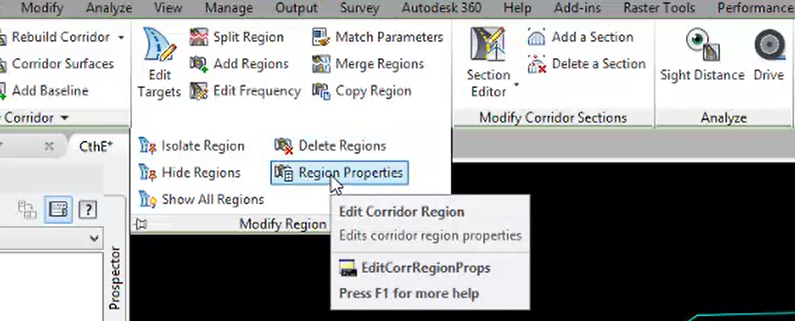
- Left click inside region to change
-
In the Corridor Region Properties dialog, left click the ellipses in the Assembly field
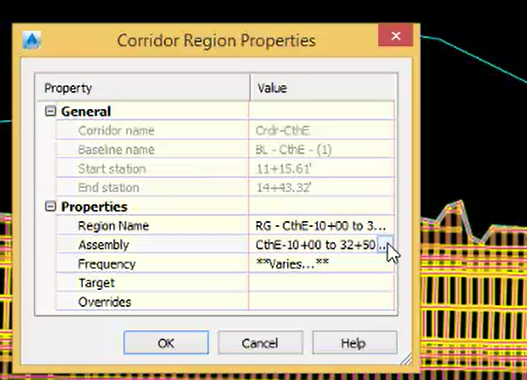
-
In the Edit Corridor Region dialog, change the Assembly to CthE-RiverRd-Int-Through
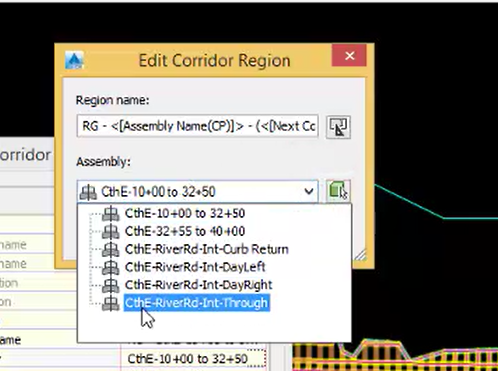
- OK
-
OK

- Esc
Add Region
-
Contextual ribbon>Modify Region panel>Add Regions
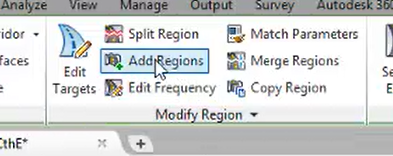
- Type 3255
- Enter
- Type 4000
- Enter
-
In the Create Corridor Region dialog, select the CthE-32+55 to 40+00 assembly
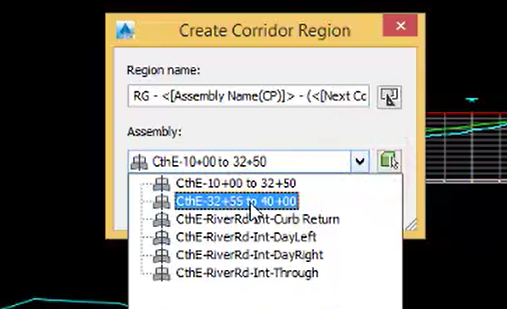
- OK
-
In the Target Mapping Dialog under Surfaces, select <Click here to set all>
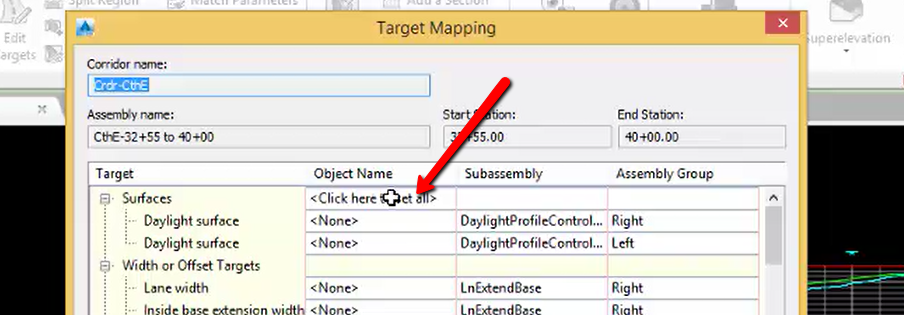
-
In the Pick a Surface dialog box, left click on Exist
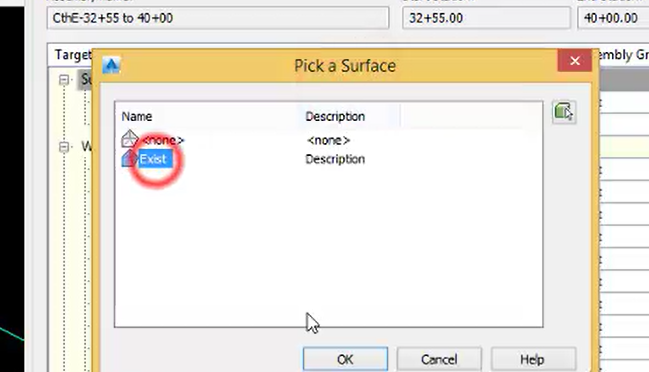
- OK
- OK
- Esc, Esc