Adding civil object labels
Last updated: 2026-01-06
Total video time: 11:14
 Add labels tool, surface example
Exercise files: pln-prod-basc-add-labl-data-c3d18.zip
Start with 01-pln-prod-basc-group-12.dwg
Annotate tab > Labels & tables panel > Add labels drop-down
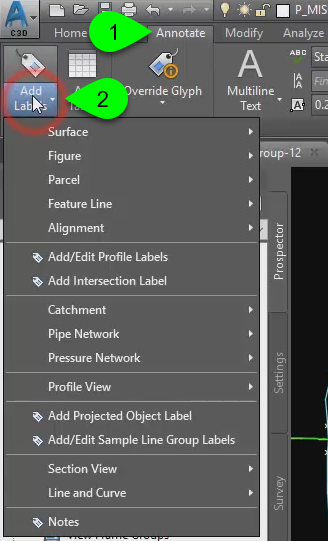
Starting a label command here will allow you to change the style before placing the label.
Warning: If you start a label with the image on the panel instead of the drop-down by the text, only the default style will be available.
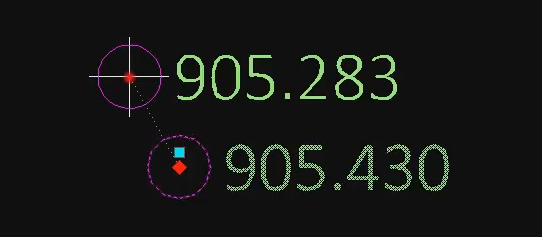
Civil 3D object labels are dynamic to the object. Here is an example of a spot elevation label on a surface.
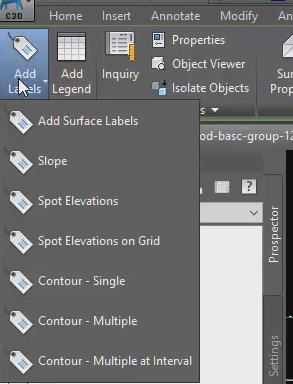
Labels can also be placed by first selecting the object and then using the contextual ribbon commands. Here is an example of the surface contextual ribbon. Only surface-type labels are available.
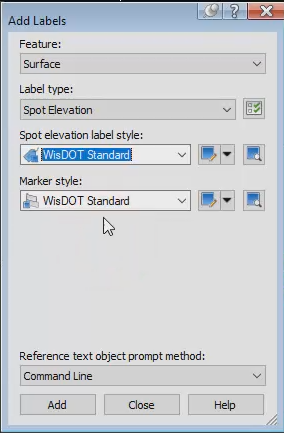
The same dialog box will appear through this method.
Profile label examples
- Click profile view > contextual ribbon > Labels panel
- Click profile > contextual ribbon > Labels panel
Both access profile labels
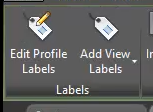
Edit Profile Labels > Import label set... > WisDOT Standard > OK
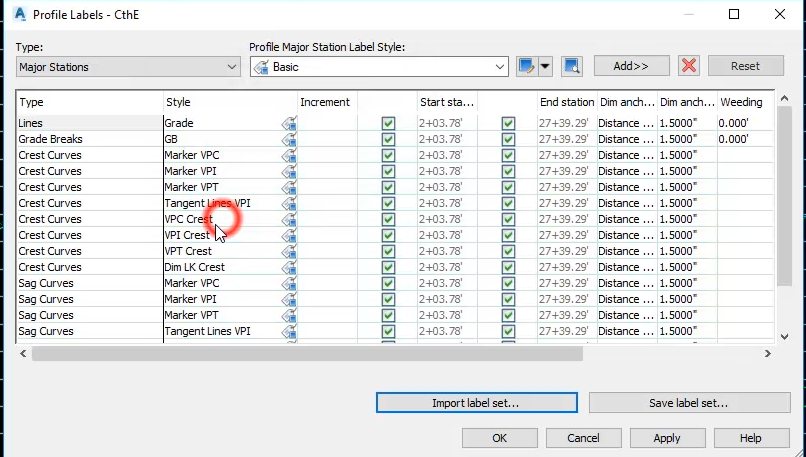
Cancel
Add View Labels > Depth > Select profile view > Pick first point > pick second point
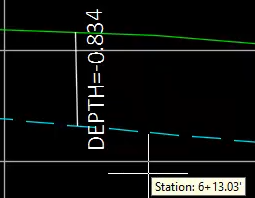
Add View Labels > Station Offest > Select profile view > Specify station > Specify elevation
To change label style
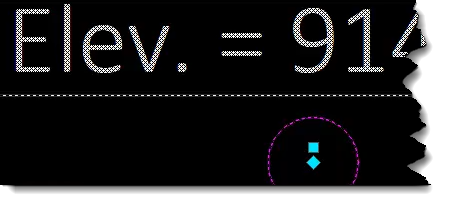
Click label > Right-click > Label Properties... > Profile Station Elevation style > WisDOT Standard
Parcel label examples
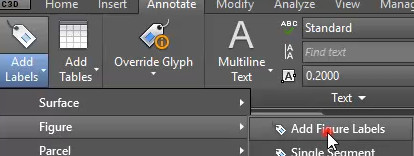
Annotate tab > Labels panel > Add labels text > Figure > Add Figure Labels
Feature: Survey Figure
Label type: Single Segment
Line label style: UG Gas Line (3D Survey)
Add
Annotate tab > Labels panel > Add labels text > Figure > Add Figure Labels
Feature: Survey Figure
Label type: Single Segment
Line label style: Basic
Add
Line, curve and note label examples
Line, curve and note labels do not require Civil 3D objects.
Annotate tab > Labels panel > Add labels text > Line and Curve > Add Line and Curve Labels
Feature: Line and Curve
Label type: Single Segment
Line label style: Bearing Distance
Add
Click polyline
Annotate tab > Labels panel > Add labels text > Note > Add Note Label
Feature: Note
Label type: Note
Note label style: N E
Marker style: Basic
Add
Click modelspace